Home / Compare
Side by side
Saved Styles & Compare
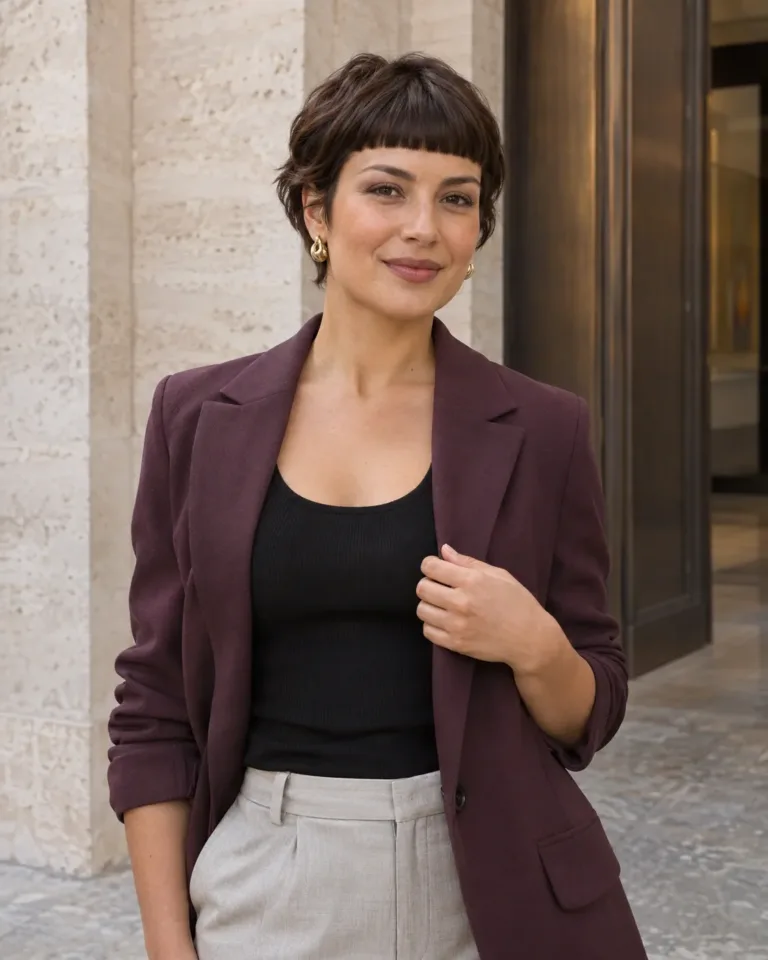
Compare two, three or four styles from the collection, your favorites or your own photos.
JPEG, PNG or WebP · up to 15 MB each. Your photos stay on this device and are never uploaded. Refreshing clears them.

Saved favorites
PDF preview
Take the photo and styling notes to your stylist. In the print dialog, choose “Save as PDF”.
Make a useful haircut comparison
Start with the detail you want to change
Choose a look for A and B, then add C or D if you need a wider shortlist. Use the slider for a closer comparison of two photos; switch back to side by side to see up to four. Compare one feature at a time: the fringe edge, temple coverage, crown height or the length around the jaw. A colour difference can draw attention away from the cut, so identify the shape you would keep even in another shade.
Account for the photograph
A tilted head, camera distance and styling can change the apparent length and volume. Use similar viewing angles where possible. Adding your own photo places it beside a reference; it does not apply the hairstyle to your face or predict a salon result.
Open each look from the gallery to inspect its available front, side and back views. Check the ear coverage and nape as well as the display portrait. See our image policy for how the hairstyle references are created.
Take a specific shortlist to your stylist
Choose the compared look in the Style card menu, then use Download style PDF and select Save as PDF in the print dialog. Bring the features you prefer from each reference and discuss how they would work with your hair and daily drying routine.